
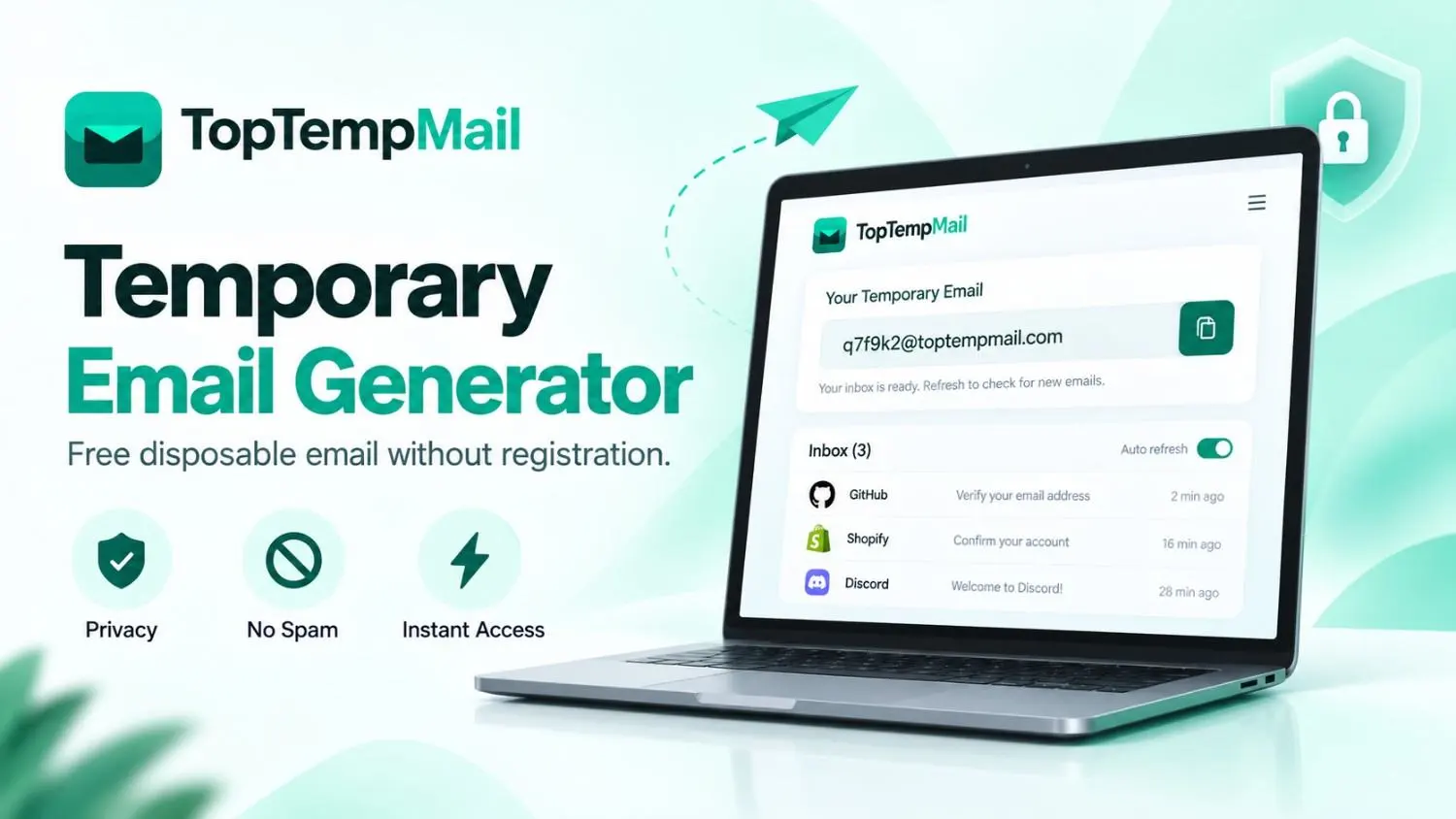
Your email address is one of your most valuable digital identities, but sharing it everywhere can lead to spam, unwanted newsletters, and privacy concerns. A Temporary Email Generator provides a simple way to create a free disposable email address instantly, allowing you to receive messages without exposing your personal inbox.
Whether you need to verify an account, test an online service, access a free trial, or download a resource, a temporary email address gives you a safer alternative to using your primary email. It helps keep your personal inbox cleaner while reducing unnecessary marketing emails and unwanted communication.
In this guide, you will learn how temporary email works, how to create a temporary email without registration, the benefits and limitations of disposable email services, and how to use a temporary inbox safely for different online activities.
What Is a Temporary Email Generator?
A Temporary Email Generator is an online tool that automatically creates a short-term email address that can receive messages without requiring traditional account registration.
Unlike Gmail, Outlook, or other permanent email providers, temporary email services usually do not require:
- Name verification
- Password creation
- Phone number confirmation
- Personal information
The generated email address works as a temporary inbox where users can receive emails for a limited period.
Simple Definition
A temporary email generator creates a disposable email address that allows users to receive emails temporarily while keeping their personal email private.
For example, imagine you want to download a free software tool, but the website requires an email address. Instead of using your personal Gmail account and receiving marketing emails later, you can create a temporary email address and use it only for that purpose.
How Does a Temporary Email Generator Work?
A temporary email service uses an automated system to create and manage temporary inboxes.
Step 1: Generate a Temporary Email Address
When you open a temporary email generator, a unique email address is created instantly.
No registration process is required.
You do not need to provide:
- Your personal email
- Phone number
- Name
- Password
The email address is ready to use immediately.
Step 2: Receive Emails in a Temporary Inbox
After generating the email address, messages sent to that inbox appear automatically.
A temporary inbox can receive:
- Verification emails
- Account activation links
- Confirmation messages
- One-time codes
- Notifications
This makes it useful for websites that require email verification before allowing access.
Step 3: Use the Email and Let It Expire
Temporary email addresses are designed for short-term use.
After a certain period, the inbox may expire automatically. This helps prevent old accounts from collecting spam and unnecessary messages.
Because of this limitation, temporary email should not be used for accounts that require long-term access.
Why Use a Temporary Email Address?
A temporary email address offers several benefits for privacy, convenience, and online security.
Protect Your Email Privacy
Your email address is valuable personal information. Many websites collect emails for marketing, newsletters, and promotional campaigns.
When you share your personal email everywhere, it becomes difficult to control who sends you messages.
A disposable email address creates a barrier between your personal identity and unknown websites.
This helps improve:
- Email privacy
- Online privacy
- Personal inbox security
Reduce Spam and Unwanted Emails
Spam is one of the biggest problems caused by sharing personal email addresses.
A temporary inbox helps prevent your main account from receiving:
- Advertising emails
- Marketing campaigns
- Promotional newsletters
- Unwanted subscriptions
Instead of cleaning your inbox later, you can avoid unnecessary messages from the beginning.
Use Online Services Without Sharing Your Main Email
Many websites require an email address before allowing access to:
- Free downloads
- Online tools
- Software trials
- Community platforms
A temporary email without registration allows you to access these services without exposing your personal email.
Test Websites and Applications
Developers and businesses often need multiple email addresses to test online systems.
A temporary email service can help test:
- Registration workflows
- Email notifications
- Password reset features
- User account systems
This eliminates the need to create multiple permanent email accounts.
How to Create a Temporary Email Without Registration
Creating a temporary email address is simple and does not require technical knowledge.
Step 1: Open a Temporary Email Service
Visit a reliable temporary email provider such as TopTempMail.
Step 2: Generate Your Email Address
The system automatically creates a temporary inbox for you.
No signup or account creation is required.
Step 3: Use Your Email Address
Copy the generated email address and use it for:
- Website registration
- Verification emails
- Trial accounts
- Online testing
Step 4: Receive Messages
Check your temporary inbox to view incoming emails and verification links.
Step 5: Stop Using It When Finished
Once your task is complete, you can leave the inbox without managing another account.
Temporary Email vs Disposable Email vs Burner Email
These terms are often used together, but they have slightly different meanings.
| Type | Meaning | Best Use |
|---|---|---|
| Temporary Email | Short-term email inbox | Verification and quick access |
| Disposable Email | Email designed to be discarded | Avoiding spam |
| Burner Email | Secondary email used temporarily | Protecting identity |
In most cases, temporary email and disposable email describe the same type of service: a short-term email solution that protects your main inbox.
Temporary Email vs Gmail and Outlook
Temporary email services and traditional email providers serve different purposes.
| Feature | Temporary Email | Gmail / Outlook |
|---|---|---|
| Registration | Usually not required | Required |
| Duration | Short-term | Long-term |
| Privacy | Better for temporary use | Depends on account settings |
| Recovery | Limited | Available |
| Best for | Testing and verification | Personal and business communication |
A Gmail or Outlook account remains important for:
- Work
- Banking
- Personal communication
- Important online accounts
A temporary email address is an additional privacy tool, not a replacement.
Common Uses of Temporary Email Services
Website Registrations
Many websites require email confirmation before creating an account.
A temporary email allows you to complete registration without using your personal inbox.
Email Verification Without Registration
Many platforms require users to confirm ownership of an email address.
A temporary inbox can receive:
- Verification links
- Confirmation codes
- Activation messages
without creating a permanent email account.
Free Trials and Online Tools
Temporary email is commonly used when testing:
- SaaS products
- Online applications
- Digital tools
- Subscription services
Software Testing
Developers use temporary email addresses to check whether email-based features work correctly.
Online Shopping
When trying new online stores, temporary email helps reduce future marketing emails.
Can Websites Detect Temporary Email Addresses?
Yes, some websites can detect temporary email domains.
Companies may block disposable email addresses because they want to prevent:
- Fake registrations
- Multiple free trial accounts
- Automated signups
However, temporary emails are still widely used for legitimate purposes such as privacy protection, testing, and short-term access.
Is a Temporary Email Generator Safe to Use?
A temporary email generator is safe when used for the right purposes.
Good Uses
Temporary email is suitable for:
✓ Testing websites
✓ Avoiding spam
✓ Downloading resources
✓ Short-term registrations
✓ Protecting personal inboxes
Avoid Using Temporary Email For
Temporary email should not be used for:
✗ Banking accounts
✗ Government services
✗ Medical platforms
✗ Important business accounts
These accounts require permanent access and recovery options.
Advantages and Limitations of Temporary Email
| Advantages | Limitations |
|---|---|
| No registration required | Limited lifespan |
| Protects personal email | No permanent recovery |
| Reduces spam | Some websites block it |
| Fast and convenient | Not suitable for important accounts |
| Improves privacy | Not designed for long-term communication |
Understanding these advantages and limitations helps users make better decisions.
How to Choose a Reliable Temporary Email Service
Before using a temporary email provider, consider these factors:
Fast Email Delivery
A good service should receive emails quickly without delays.
Simple User Experience
The interface should make generating and checking emails easy.
Privacy Protection
Choose services that minimize unnecessary data collection.
Reliable Inbox Access
The service should provide a stable temporary inbox experience.
Why Use TopTempMail for Temporary Email?
TopTempMail helps users create temporary email addresses quickly without complicated signup processes.
With a temporary email service, users can:
- Generate an inbox instantly
- Receive verification emails
- Reduce spam exposure
- Protect their personal email address
Whether you need a temporary inbox for testing, verification, or online privacy, a disposable email solution provides a convenient alternative to sharing your main email everywhere.
Final Thoughts
A Temporary Email Generator is a practical solution for users who want more control over their online privacy. Instead of sharing your personal email address with every website, you can create a disposable email address for temporary registrations, verification messages, testing, and online exploration.
Temporary email services help reduce spam, protect your inbox, and provide a convenient way to interact with websites without unnecessary exposure.
For users who need a quick and simple temporary inbox, TopTempMail provides an easy way to generate a free temporary email address without registration.